- By Hou Chengxing
- Published
- Last checked
Before you ride
TL;DR
What is TenPayGo?
A payment app from Tencent, run by Tenpay, the company behind WeChat Pay. It lets foreign visitors pay WeChat Pay merchants in mainland China with a card issued outside China.
What do I need to sign up?
Just an email address and a verification code. No passport, no Chinese phone number and no WeChat account.
Does it charge fees?
Payments of ¥200 or less carry no international card fee. Above ¥200, a 3% fee applies to the whole amount. Your own bank may add its foreign transaction fee.
Where does it work well, and where doesn't it?
Printed merchant WeChat Pay codes, supermarket checkouts and aggregated codes (one sign showing Alipay, WeChat Pay and other logos) worked in our tests. Personal QR codes, the kind small stallholders show from their own phones, failed.
Can I use it to pay CycleQuest China?
At our stores, yes: you can pay with TenPayGo, Alipay or WeChat Pay. For advance online payments on bike rentals (full-day or half-day) and guided full-day or half-day cycling rides, you can pay directly via our Stripe checkout link.
Should it be my only payment app on a cycling trip?
No. Set up two payment apps and carry a little cash for village shops and fruit stalls.
What TenPayGo is
TenPayGo is a standalone payment app published by Tencent Technology (Shenzhen) and operated by Tenpay, the company behind WeChat Pay. Payments go through the WeChat Pay merchant network, so you can pay most shops that accept WeChat Pay without setting up WeChat itself. It was officially launched on 24 September 2026.
There are two ways to pay:
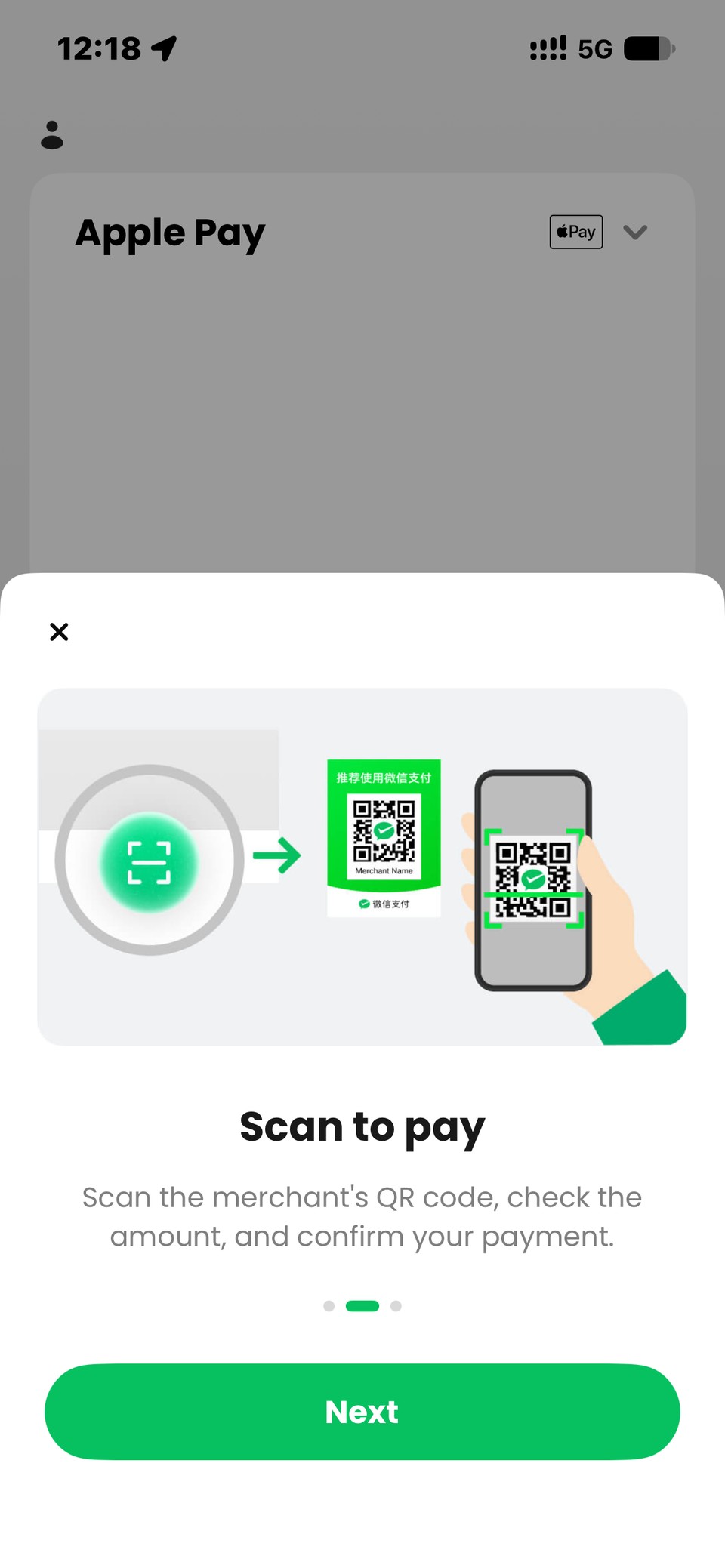
- Scan to pay: scan the merchant’s WeChat Pay QR code, check the amount and confirm.
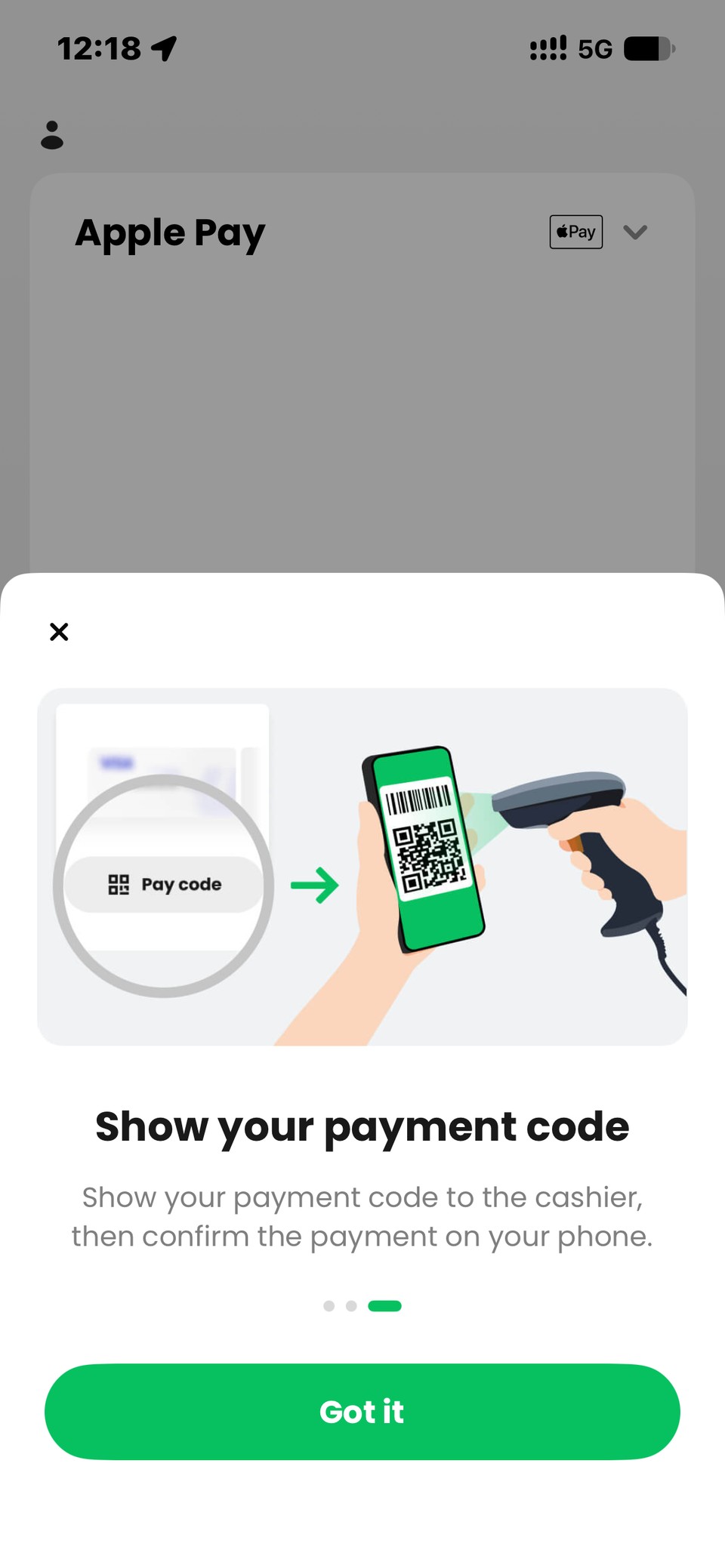
- Show your payment code: open your pay code and let the cashier scan it.
The app also has a Go tab with travel tools such as translation; we haven’t tested them yet.
Download and sign up
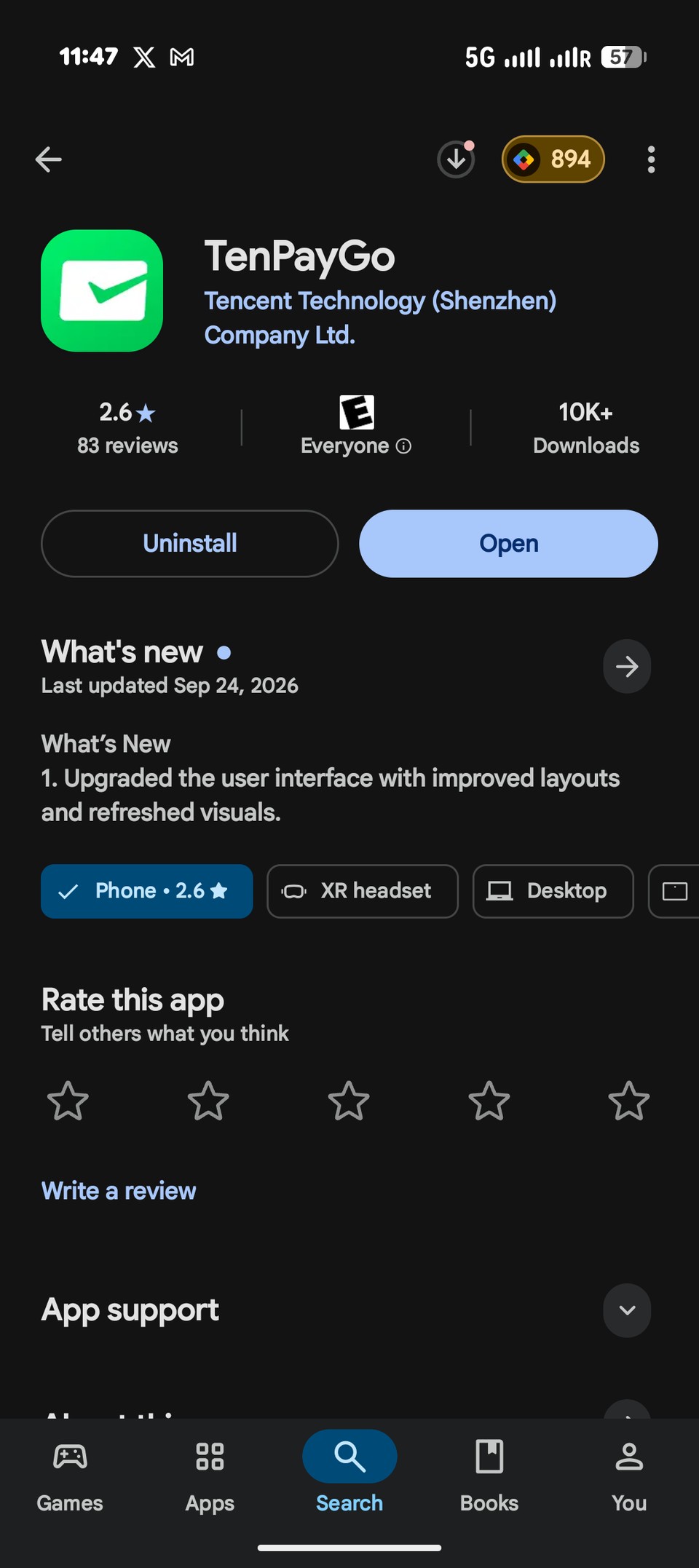
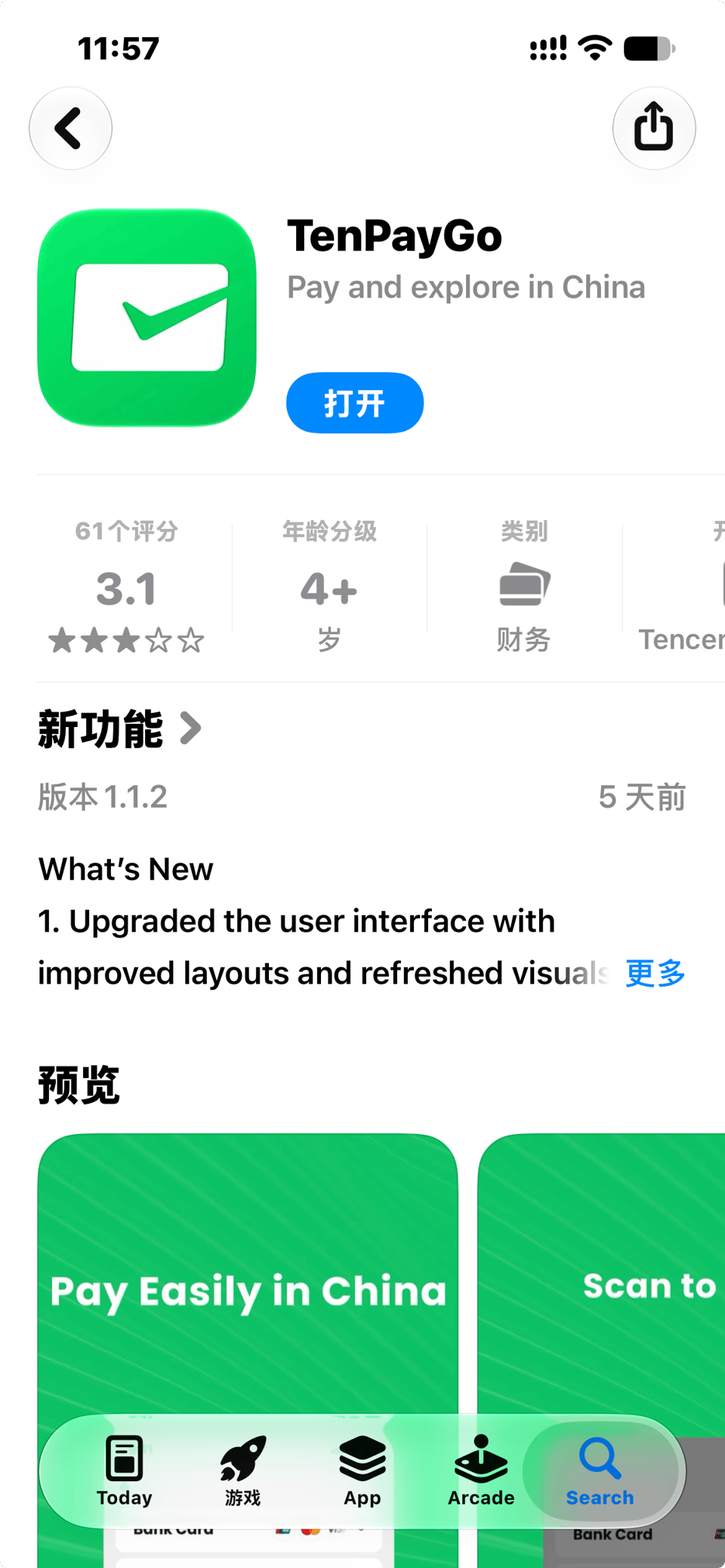
Download TenPayGo before you fly. It is not available in the mainland China App Store, so install it from your home-country store account:
- iPhone: TenPayGo on the App Store (opens external site)
- Android: TenPayGo on Google Play (opens external site)
Check that the developer is Tencent Technology (Shenzhen) Company Ltd. before installing.
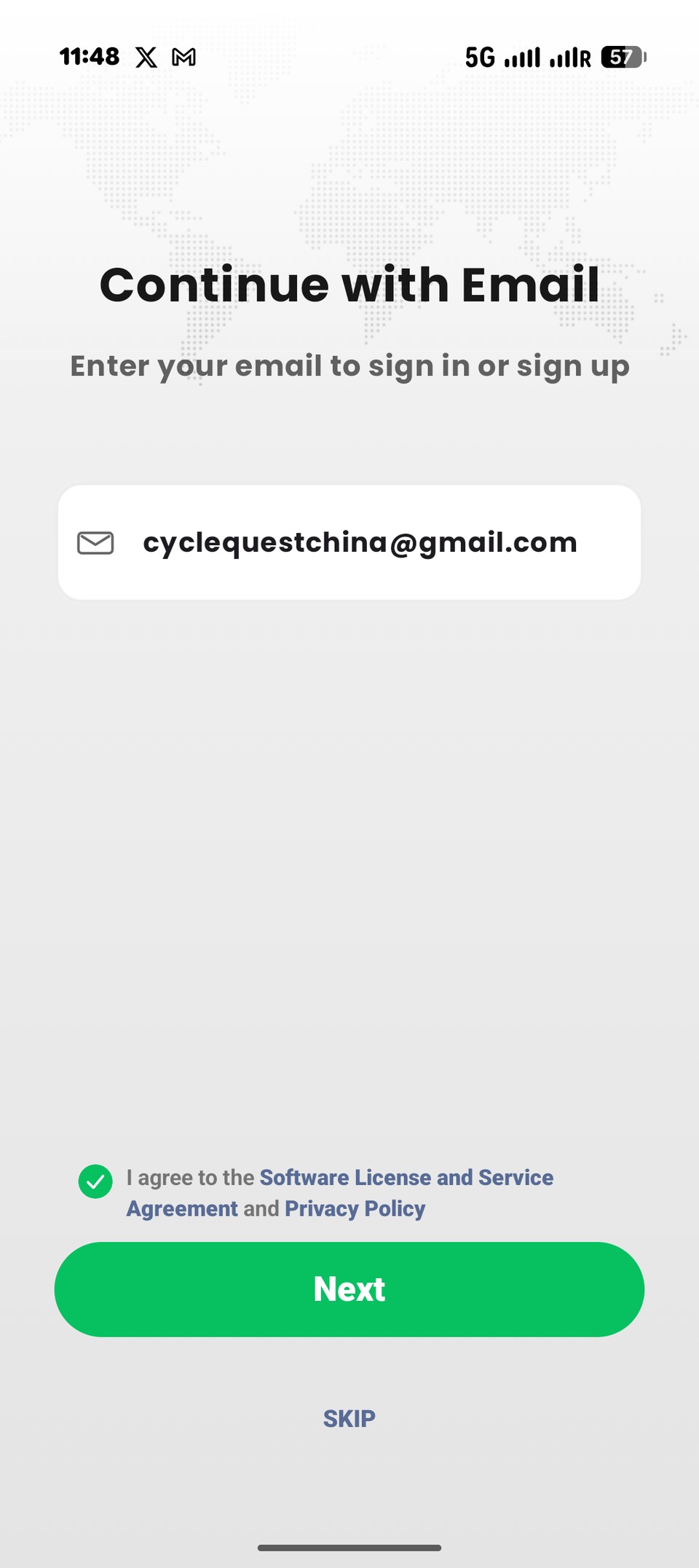
Signing up is quicker than most people expect:
- Enter your email address and the verification code sent to it.
- That’s it. You don’t need a passport, a Chinese phone number or a WeChat account.
The sign-up screen also has a SKIP button, so you can look around the app first and register later.
Adding a payment method
What you can add depends on your phone. We set it up on both.
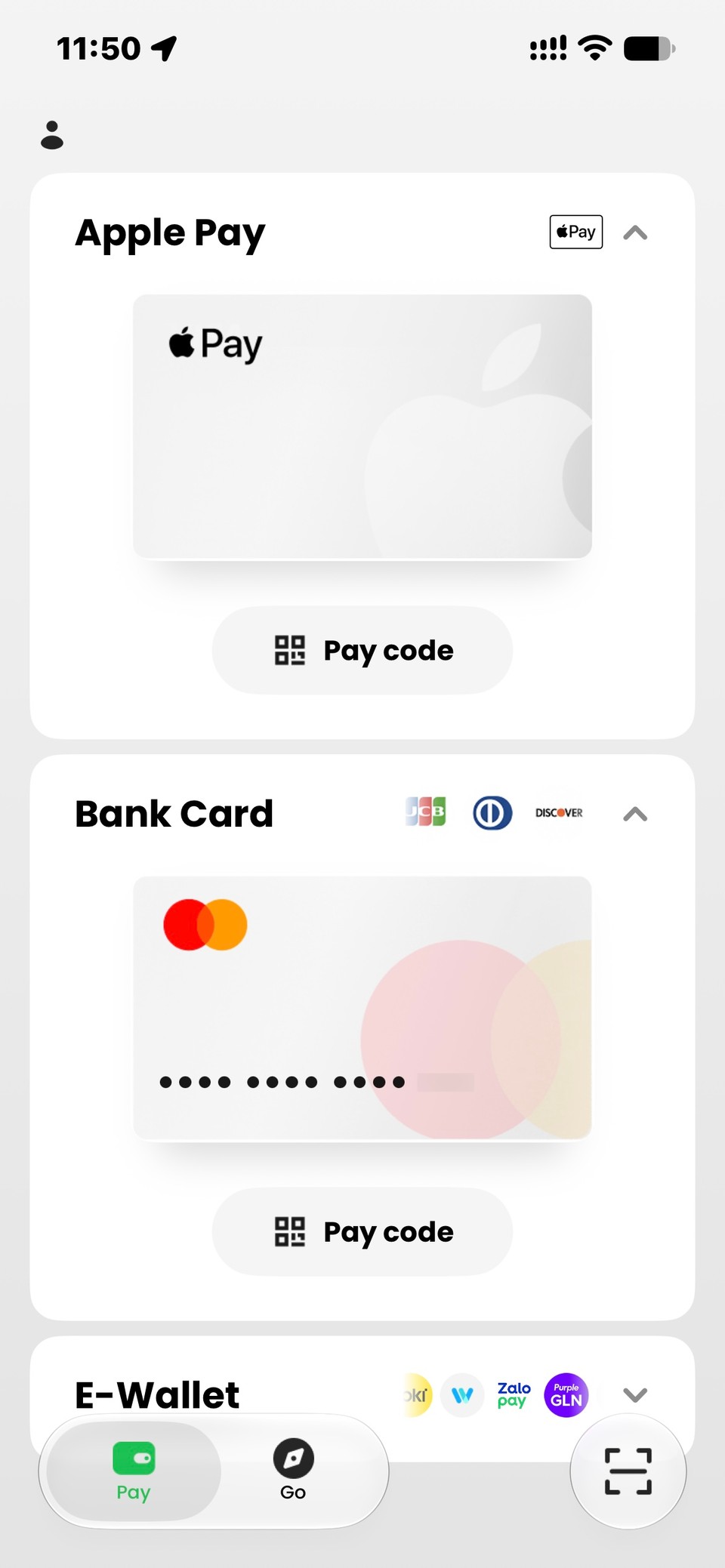
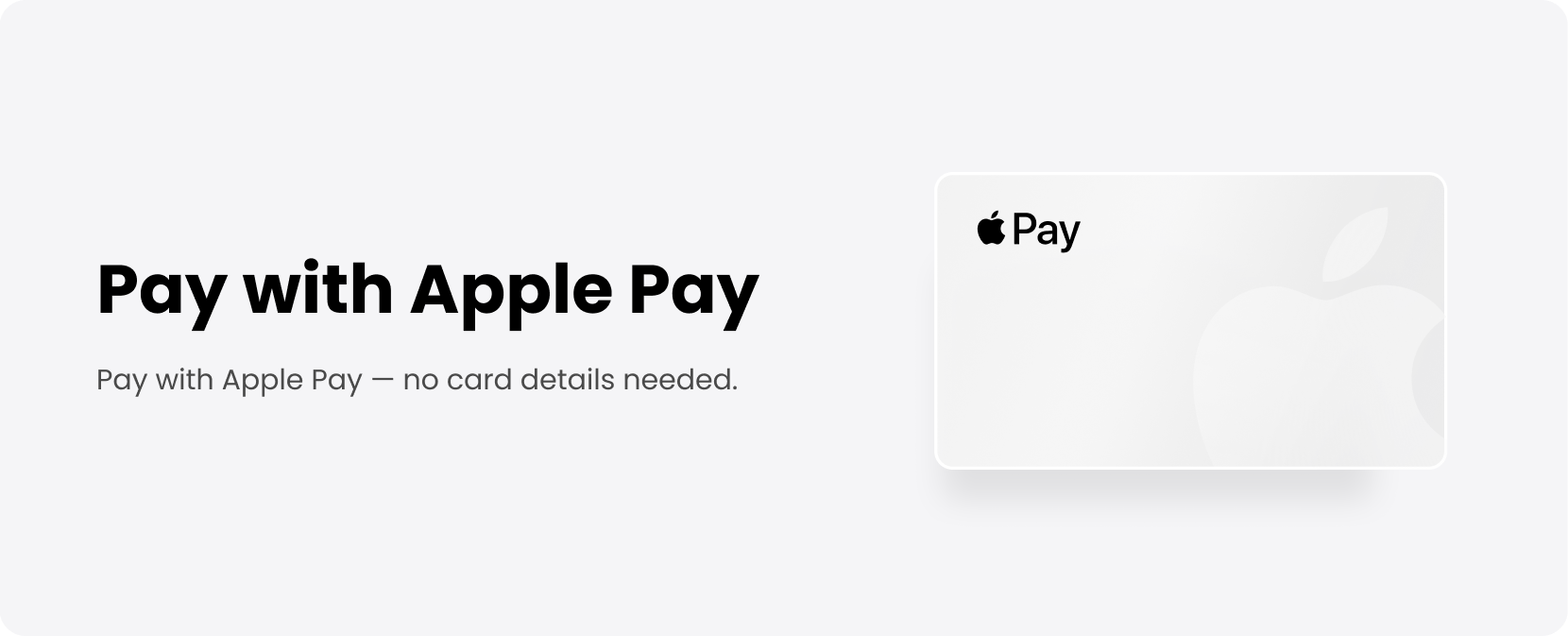
On iPhone: Apple Pay, bank card or e-wallet
The iPhone home screen has three sections: Apple Pay, Bank Card and E-Wallet. Each has its own Pay code button, and the scan button sits at the bottom right.
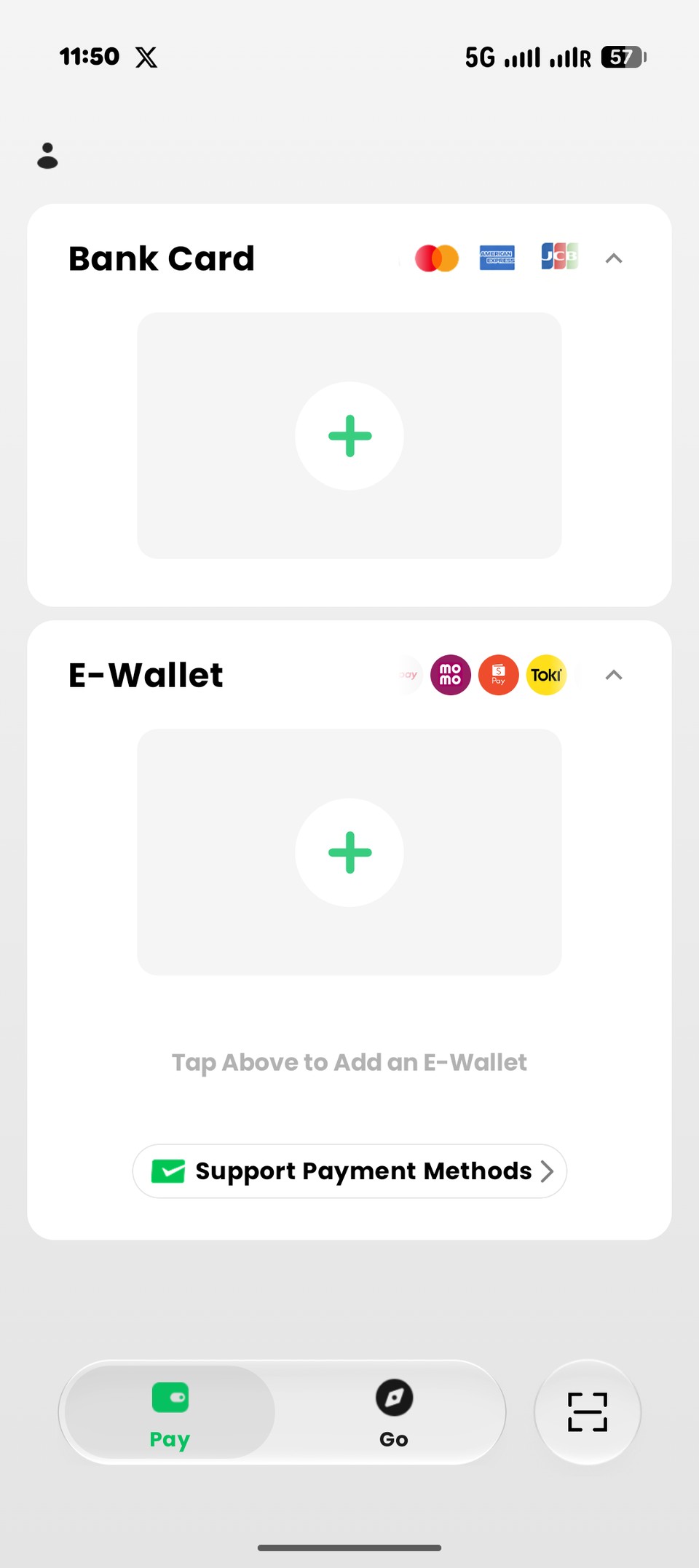
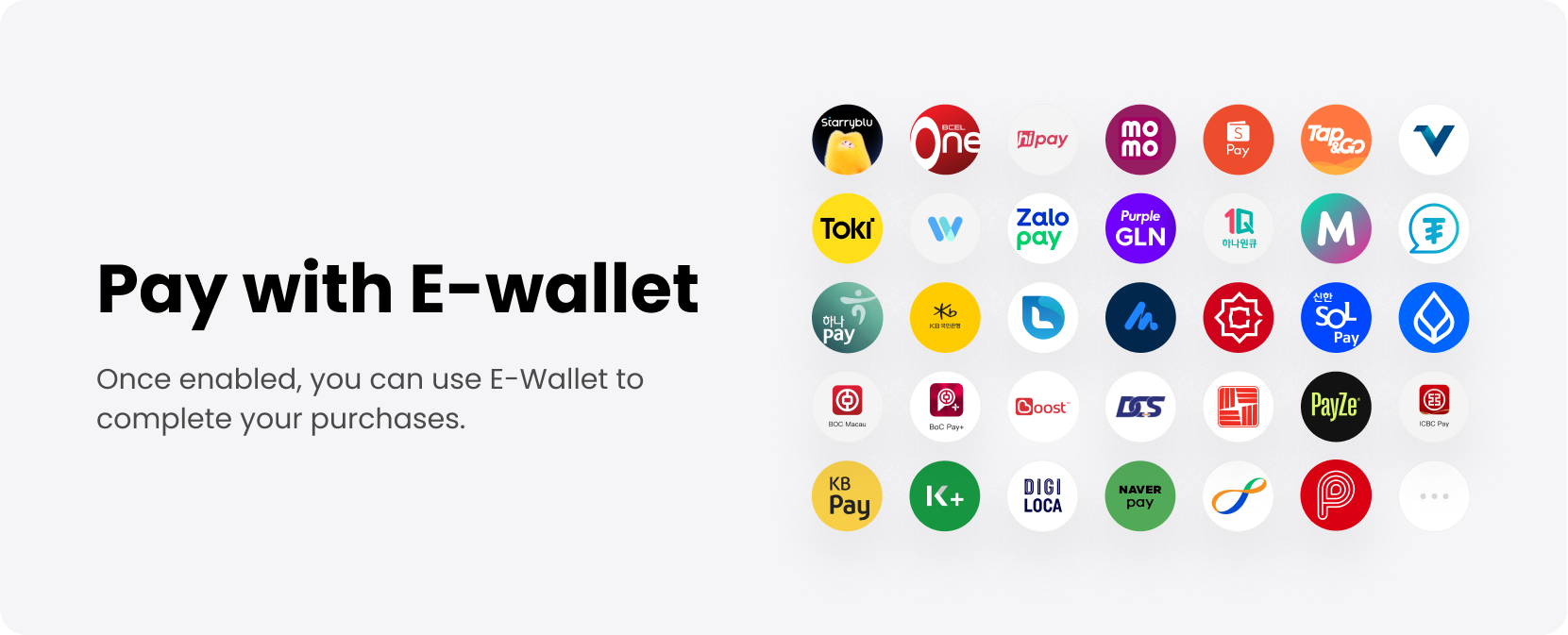
On Android: bank card or e-wallet only
Android has no Apple Pay section. You add an international bank card or a supported e-wallet directly. Tap Support Payment Methods to see the current list.
Which cards work
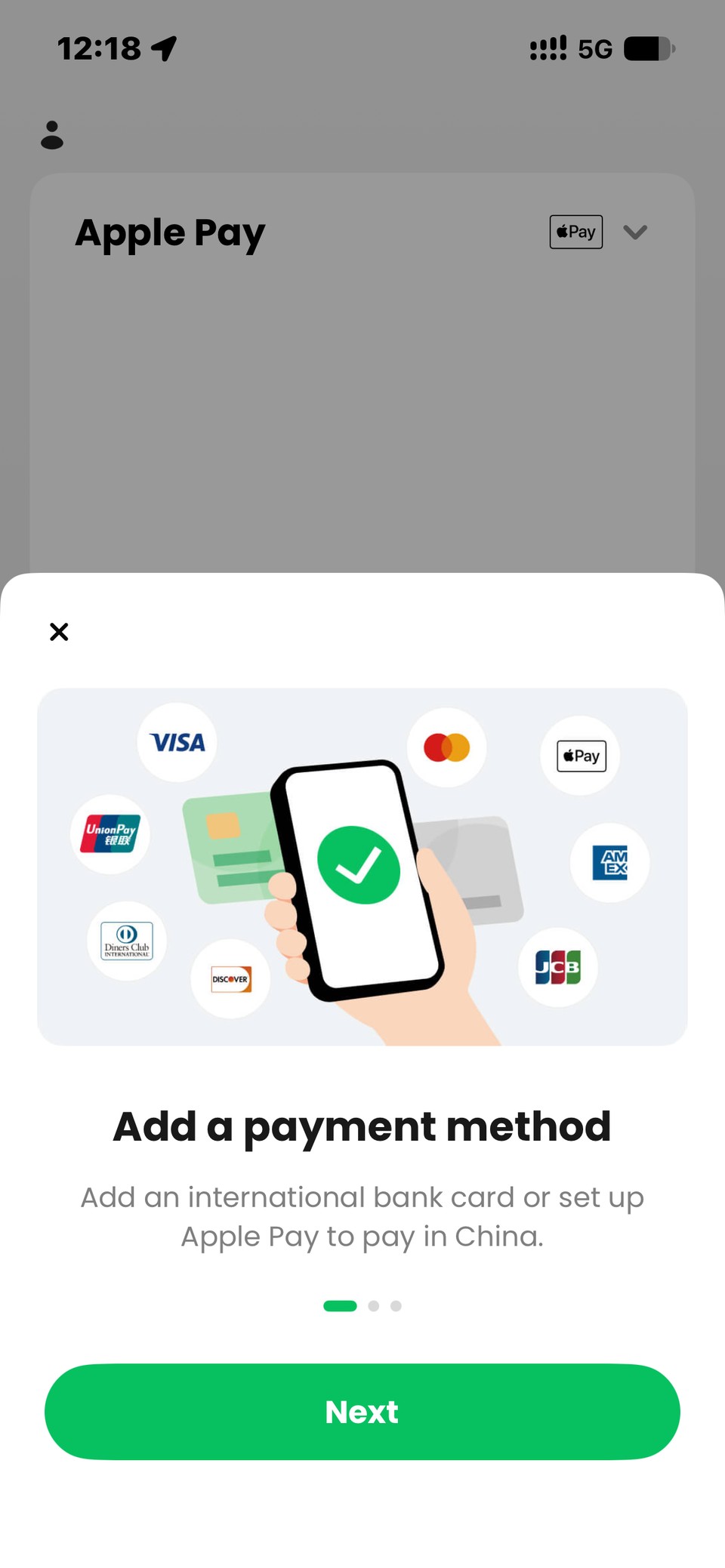
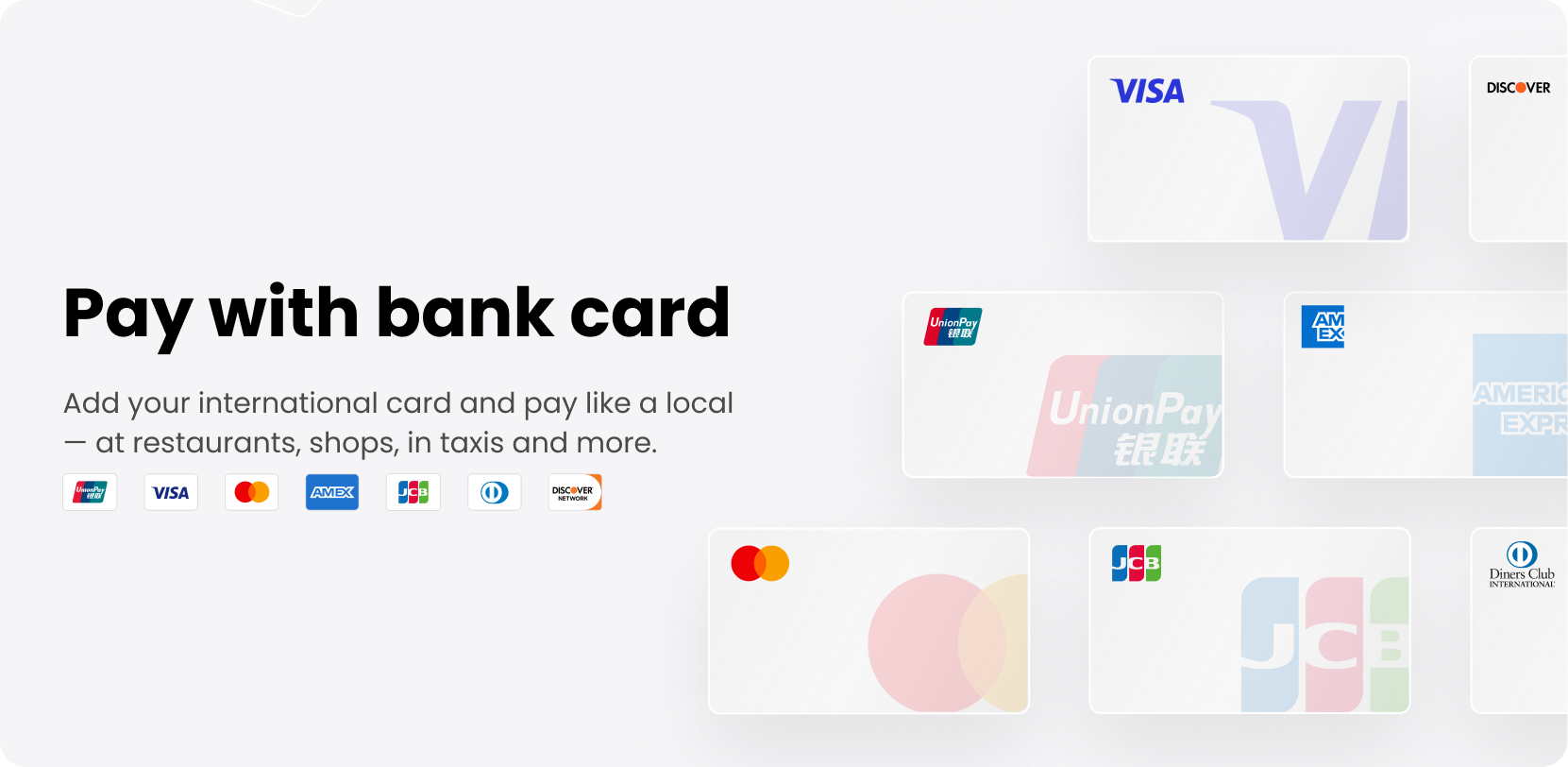
The card form showed Visa, Mastercard, American Express, JCB, Diners Club and Discover. The card must be issued outside mainland China.
The onboarding screen shows UnionPay, but it didn’t appear in the card form when we tested. If you rely on a UnionPay card, bring a backup.
Card verification (3D Secure)
When you add a card, your bank may ask you to confirm it with a text message code or in its banking app. This is the normal 3D Secure check, so just follow your bank’s prompts. In TenPayGo’s own words: “You may be asked to verify your card or Apple Pay setup before your first payment.”
Fees
TenPayGo’s international card fee follows Tenpay’s published rules:
- ¥200 or less per payment: no international card fee.
- More than ¥200 per payment: a 3% fee on the whole amount, not just the part above ¥200. A ¥201 payment costs about ¥6.03 extra.
- Refunds: the fee is refunded in proportion to the amount refunded.
- Your own bank: any foreign transaction fee your card issuer charges comes on top.
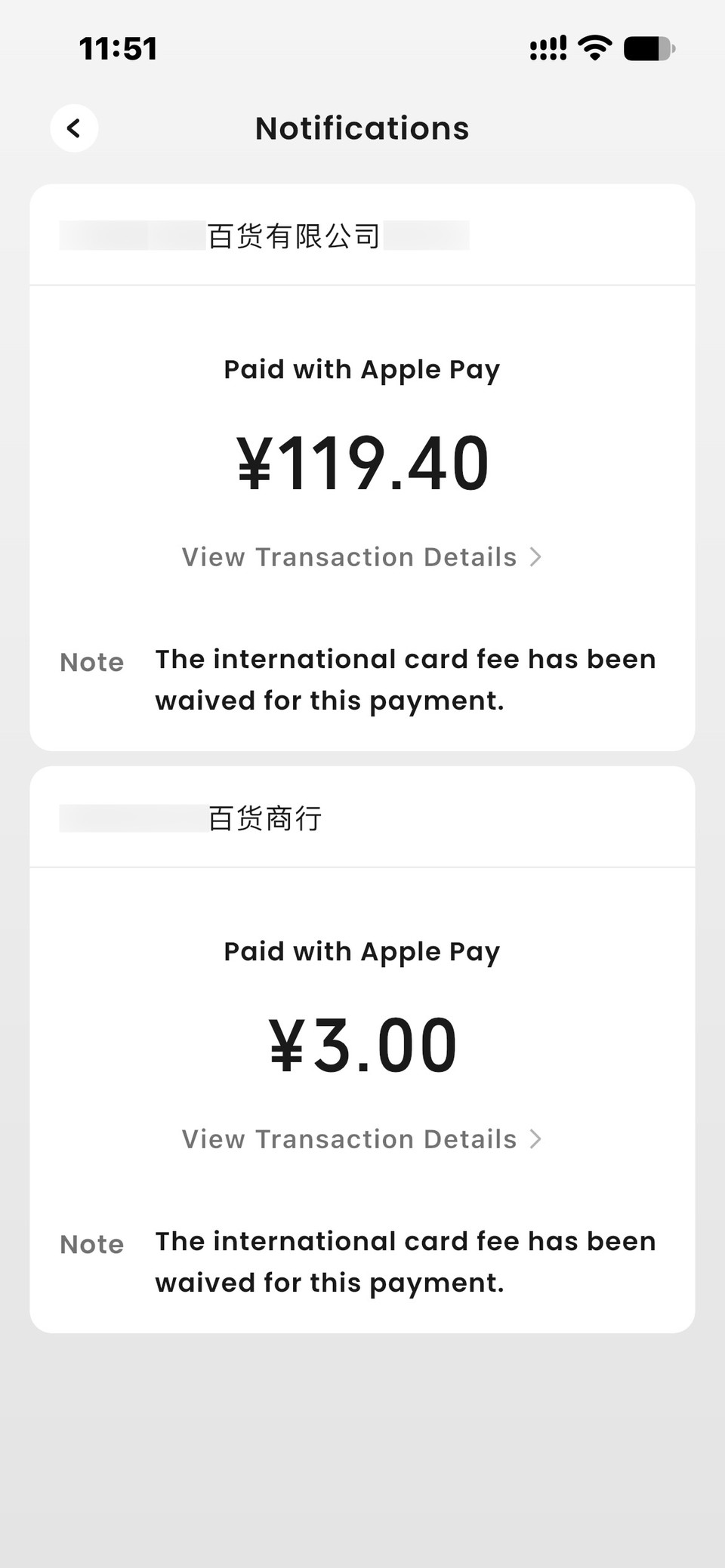
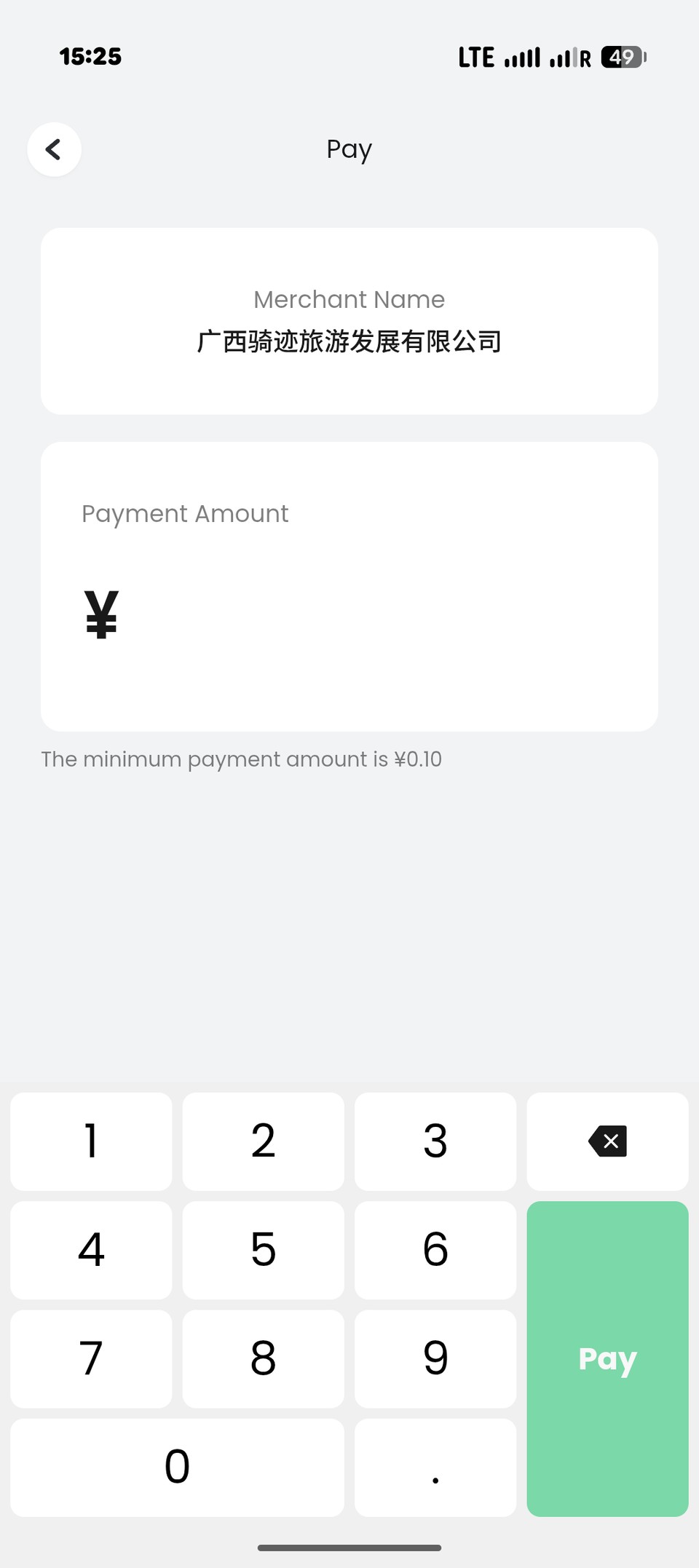
We tested both sides of the ¥200 line. Everyday payments on iPhone (Apple Pay) and Android came through with the fee waived, and each notification says so. When we entered ¥300, the confirmation screen added an International Card Fee of ¥9.00, exactly 3% of the whole amount, for a total of ¥309.00. The fee line was the same with Apple Pay and with a Mastercard added directly.
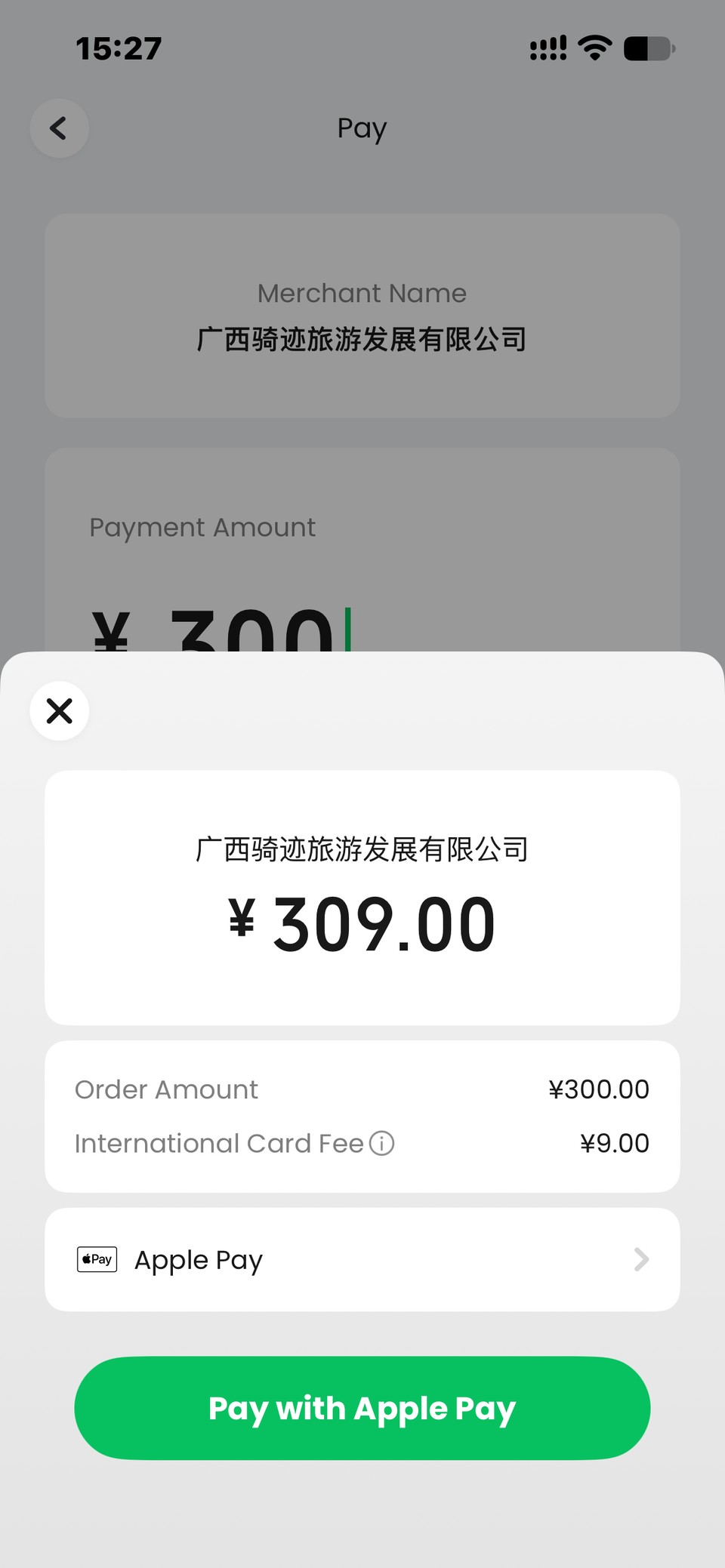
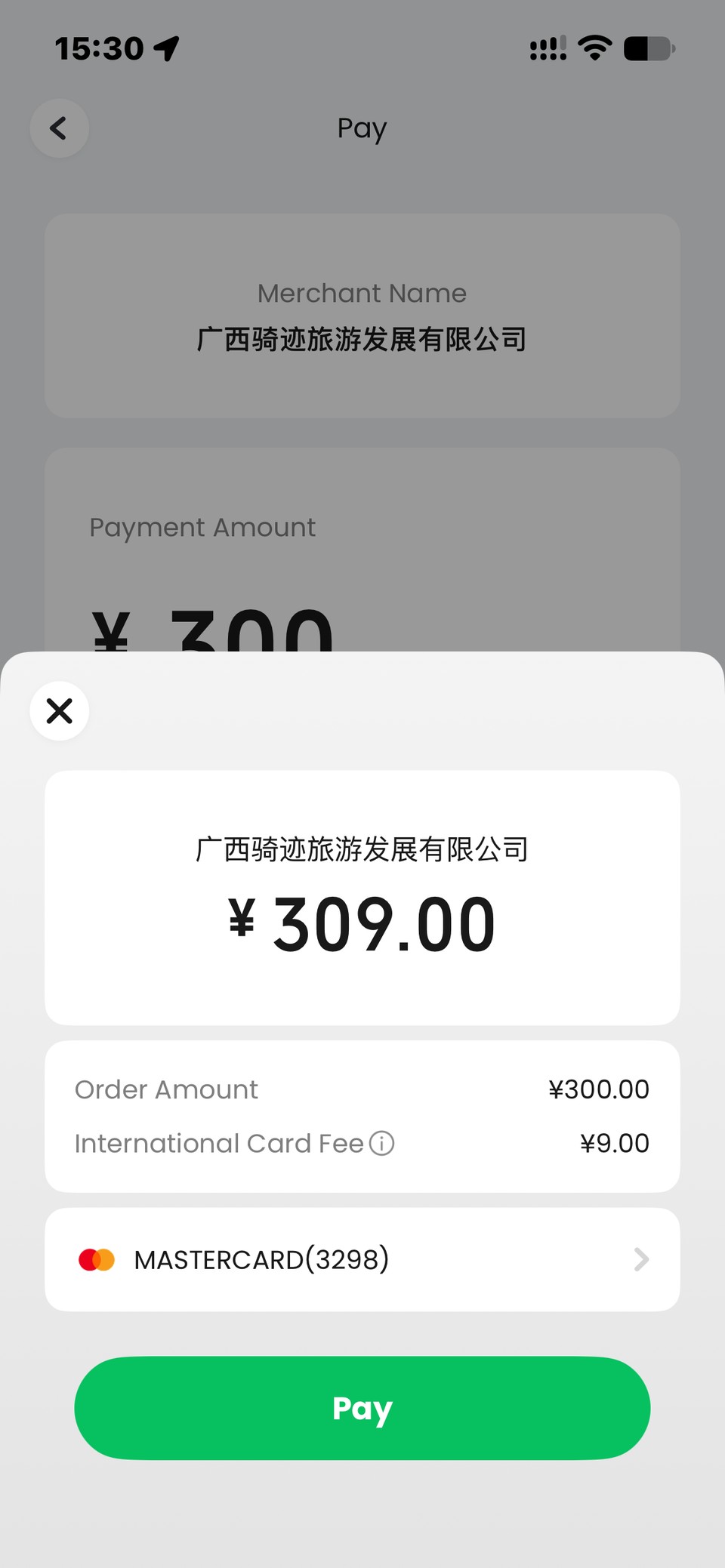
For bigger bills, such as a hotel, check the fee line on the confirmation screen before you confirm.
Limits
Tenpay says there may be limits per payment, per day and per year. Once you reach a limit, some payment methods may stop working. The confirmation screen shows this before you pay.
Paying in shops
In practice, what matters most is who owns the QR code.
Merchant codes worked almost everywhere. Printed WeChat Pay code stands with the merchant’s name on them, like the green “推荐使用微信支付” (WeChat Pay recommended) signs, worked in our tests. So did supermarket checkouts where the cashier scans your payment code.
Aggregated codes work too. Many shops display one code with several logos on it, such as Alipay and WeChat Pay. We scanned these with Alipay, TenPayGo and WeChat Pay, and all three paid. Our own stores work the same way: at CycleQuest you can pay in person with any of the three.
Two failures came up in our tests:
Personal QR codes failed. A personal code is one a small stallholder or individual shows you straight from their own WeChat. Other users report the same, and the reason usually given is the recipient’s limit for international card payments. Alipay did pay a personal code in our test; see our Alipay payment guide.
“This merchant’s QR code is not activated yet”. The problem is on the merchant’s side: that code isn’t set up to take this payment yet. Pay another way, or ask the merchant to sort it out.
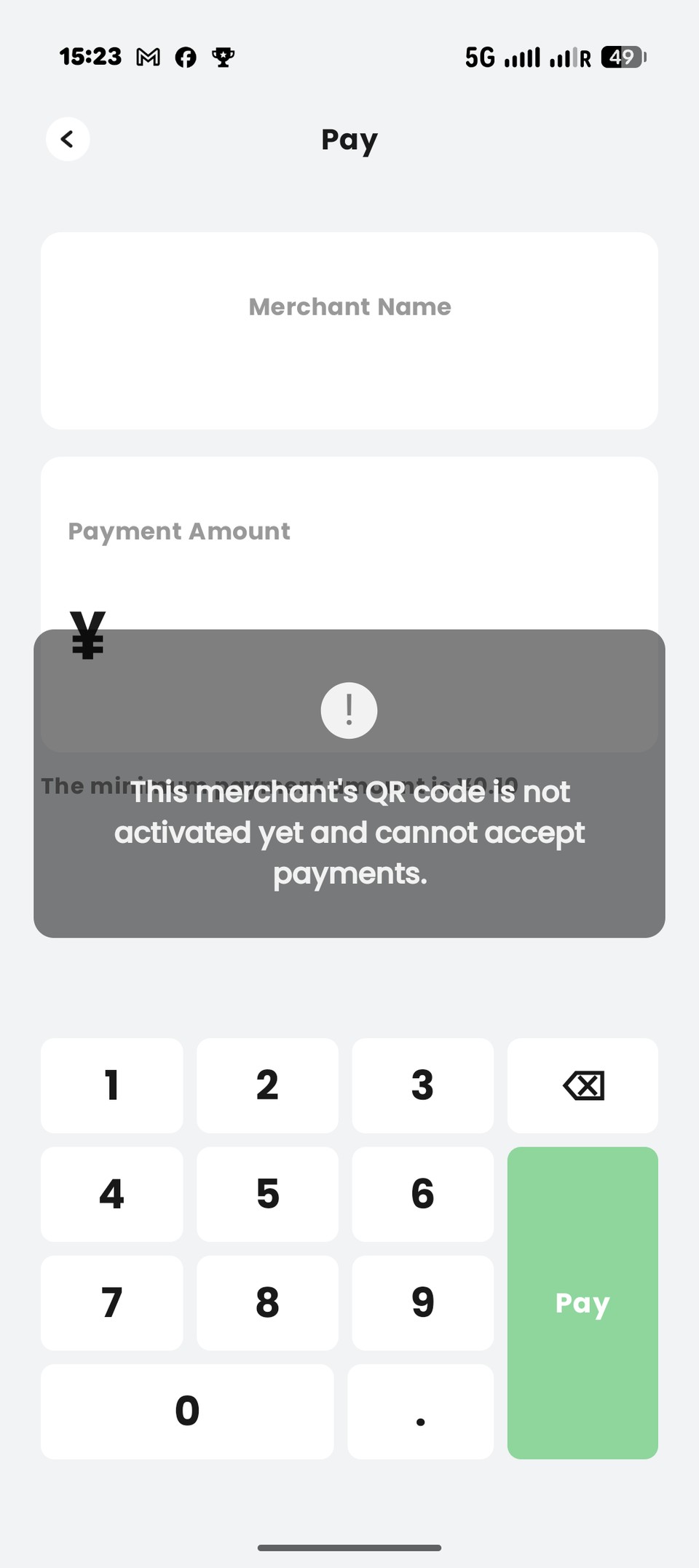
If a code doesn’t work:
- Ask the seller to scan your payment code instead.
- Try Alipay.
- Pay in cash.
Refunds are started by the merchant, and the money goes back the way you paid.
Paying on a cycling day out
Our rides around Yangshuo, Guilin’s countryside and Dali pass exactly the kind of places where personal QR codes are most common: village shops, roadside fruit stalls and family-run farm restaurants. That’s where TenPayGo is weakest.
For a day on the bike, we suggest:
- Install two payment apps before the ride, not at the stall: TenPayGo plus Alipay or WeChat Pay. Our Alipay payment guide walks you through Alipay.
- Carry some cash in small notes. It’s the one option every village stall accepts.
- Keep TenPayGo for towns: supermarkets, chain cafés, restaurants and shops with a printed merchant code.
- If a code fails, don’t keep retrying. Offer your payment code, switch app or pay cash.
TenPayGo vs Alipay vs WeChat Pay
| TenPayGo | Alipay | WeChat Pay | |
|---|---|---|---|
| Sign-up needs | Email + verification code | Phone number (international works) | WeChat account with a phone number |
| Apple Pay | Yes, on iPhone | No | No |
| Pays aggregated (multi-logo) codes | Yes | Yes | Yes |
| Pays personal QR codes | Failed in our tests | Yes, in our test | Not tested |
| Pays at CycleQuest stores | Yes | Yes | Yes |
| Best for | Quick setup, shops with merchant codes | Personal QR codes at village stalls, and a second app when a code fails | Visitors who already use WeChat |
Paying for a CycleQuest China booking in advance? You don’t need any of the three apps above to secure your bike before you arrive. Online advance payments for full-day and half-day bike rentals as well as guided full-day and half-day cycling rides go through our Stripe checkout entry in USD (international credit/debit card, Apple Pay or Google Pay).
FAQ
Do I need a passport to sign up?
No. We signed up with just an email address and a verification code. You can even skip registration and look around the app first.
Can I use TenPayGo on Android?
Yes. Download it from Google Play before you travel and add an international bank card or a supported e-wallet. Apple Pay is iPhone-only.
Does TenPayGo support UnionPay?
We can’t confirm it. UnionPay appears in the onboarding illustration but not in the card form we saw. If UnionPay is your only card, bring a backup payment method.
Why did a payment fail at a small stall?
Most likely it was a personal QR code rather than a merchant code. Those failed in our tests. Ask the seller to scan your payment code, try Alipay (it paid a personal code in our test; see our Alipay payment guide), or pay cash.
What does “Merchant QR code is not activated” mean?
The problem is with the merchant’s code, not your card or your app. Pay with Alipay or cash, or ask the merchant to sort it out.
Why does TenPayGo ask for my location?
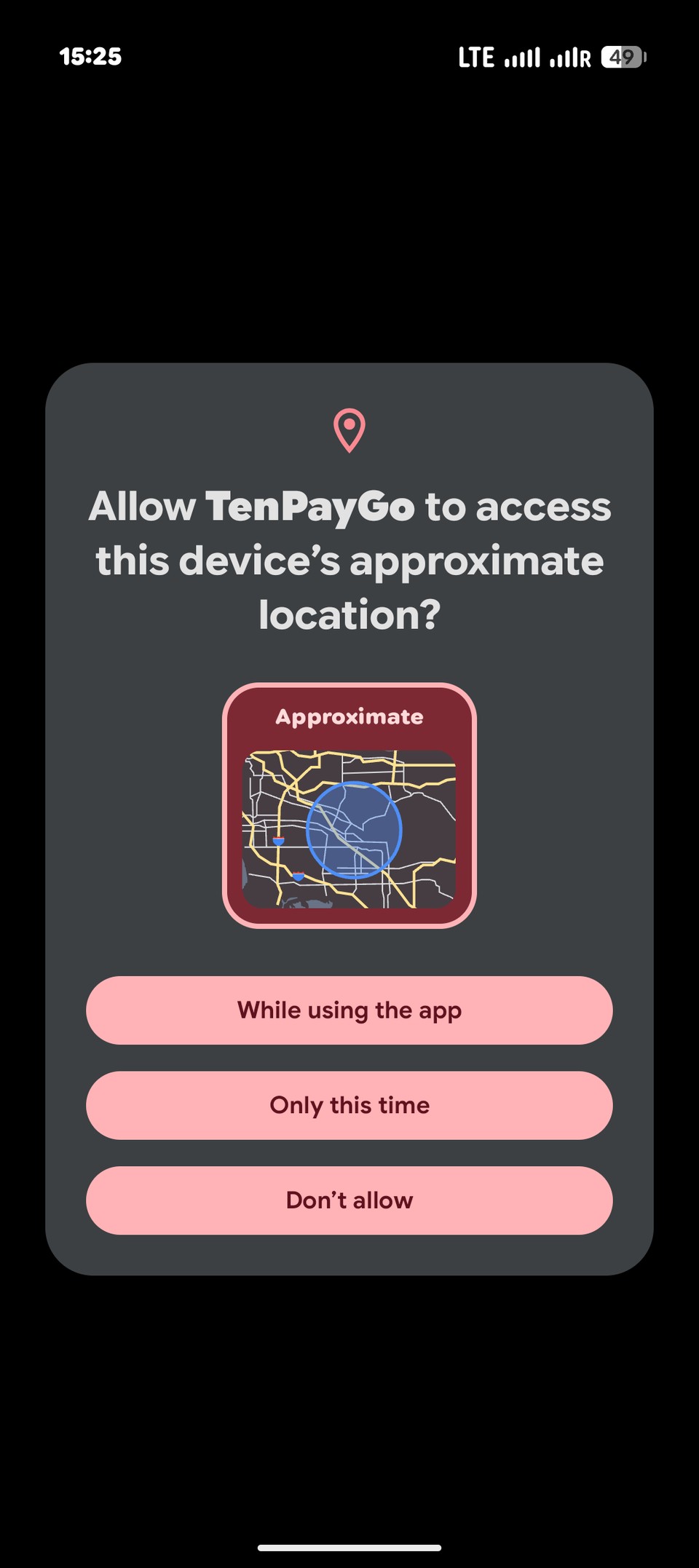
It asked us for approximate location while we were paying. Allow it, at least for that session, so the payment isn’t blocked. You can pick Only this time if you don’t want to grant it permanently.
Will I pay a fee?
Not on payments of ¥200 or less. Above ¥200, a 3% fee applies to the whole amount and is shown before you confirm: our ¥300 test showed a ¥9.00 fee. Your bank may add its own foreign transaction fee.
Do I still need WeChat?
Not for paying in shops. You may still want WeChat or Alipay for other things, such as messaging local contacts or services that run inside those apps.
Can I pay CycleQuest China with TenPayGo?
At our stores, yes: you can pay with TenPayGo, Alipay or WeChat Pay when you pick up your bike. If you’re paying in advance online—whether for a full-day or half-day bike rental, or for a guided full-day or half-day cycling ride—you can complete payment directly in USD through our Stripe checkout link (from your booking page / confirmation email for rentals, or the Stripe link our team sends when confirming your guided ride). See our Stripe & Alipay payment guide for details.
Sources and last verified
- Tenpay, International card payment service rules (opens external site) (国际卡支付服务相关规则说明)
- TenPayGo, Official getting-started guide (opens external site) (新手指引)
- Hands-on tests on iPhone and Android by the CycleQuest China team, September 2026; updated 19 October 2026 with Stripe online checkout details
Last verified: 19 October 2026